Built-in AI
Ask it.
Out loud, if you like.
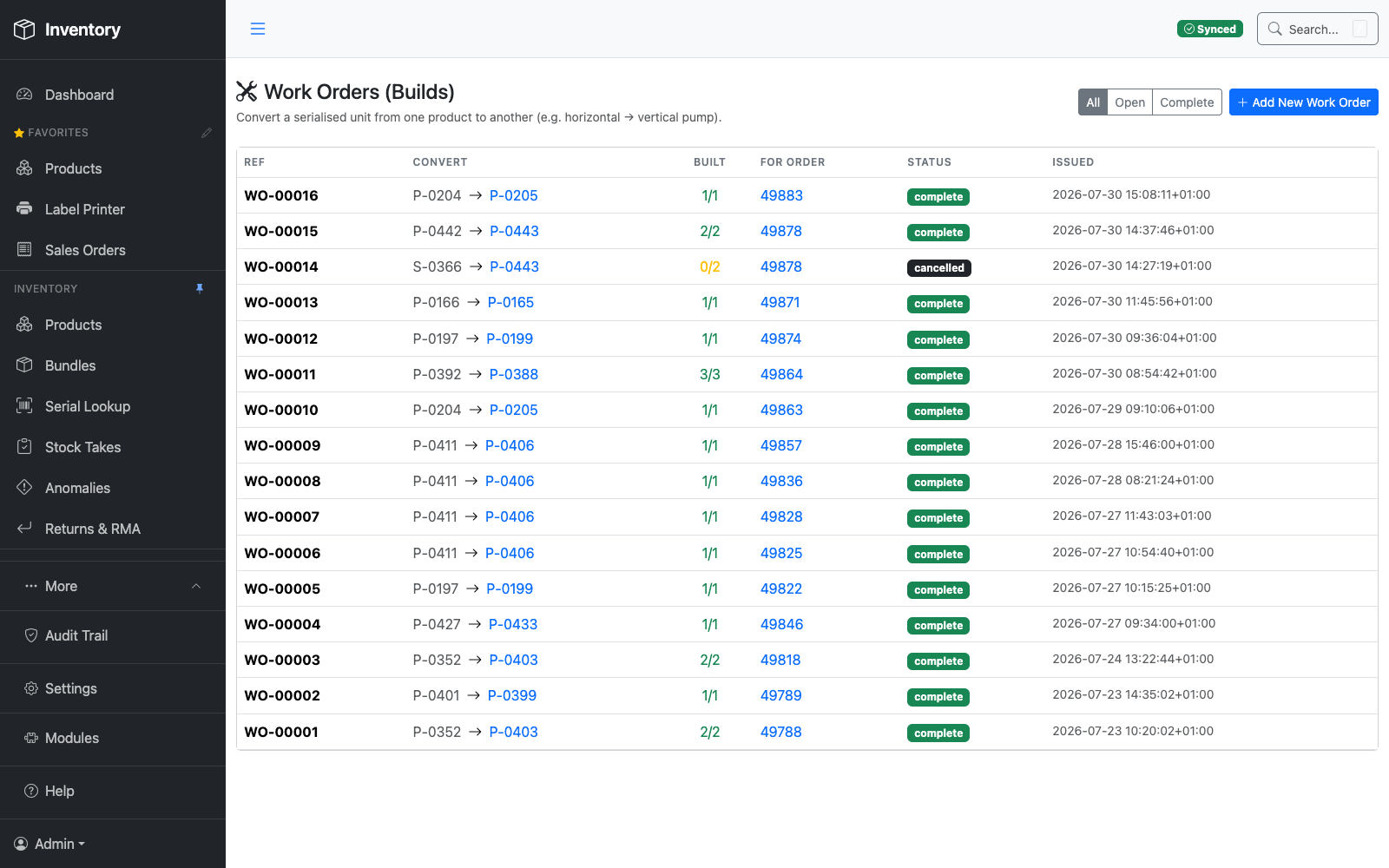
A report answers the question somebody thought of in advance. This answers the one you've just had. Ask in plain English — or say it out loud — and it goes and looks through your live data, then tells you what it found and how it worked it out. Ask it how to do something instead, and it teaches you.
“What happened in the warehouse yesterday?”
“How much has this account spent with us this year?”
“Which customers have stopped buying from us?”
“What does this customer buy most?”
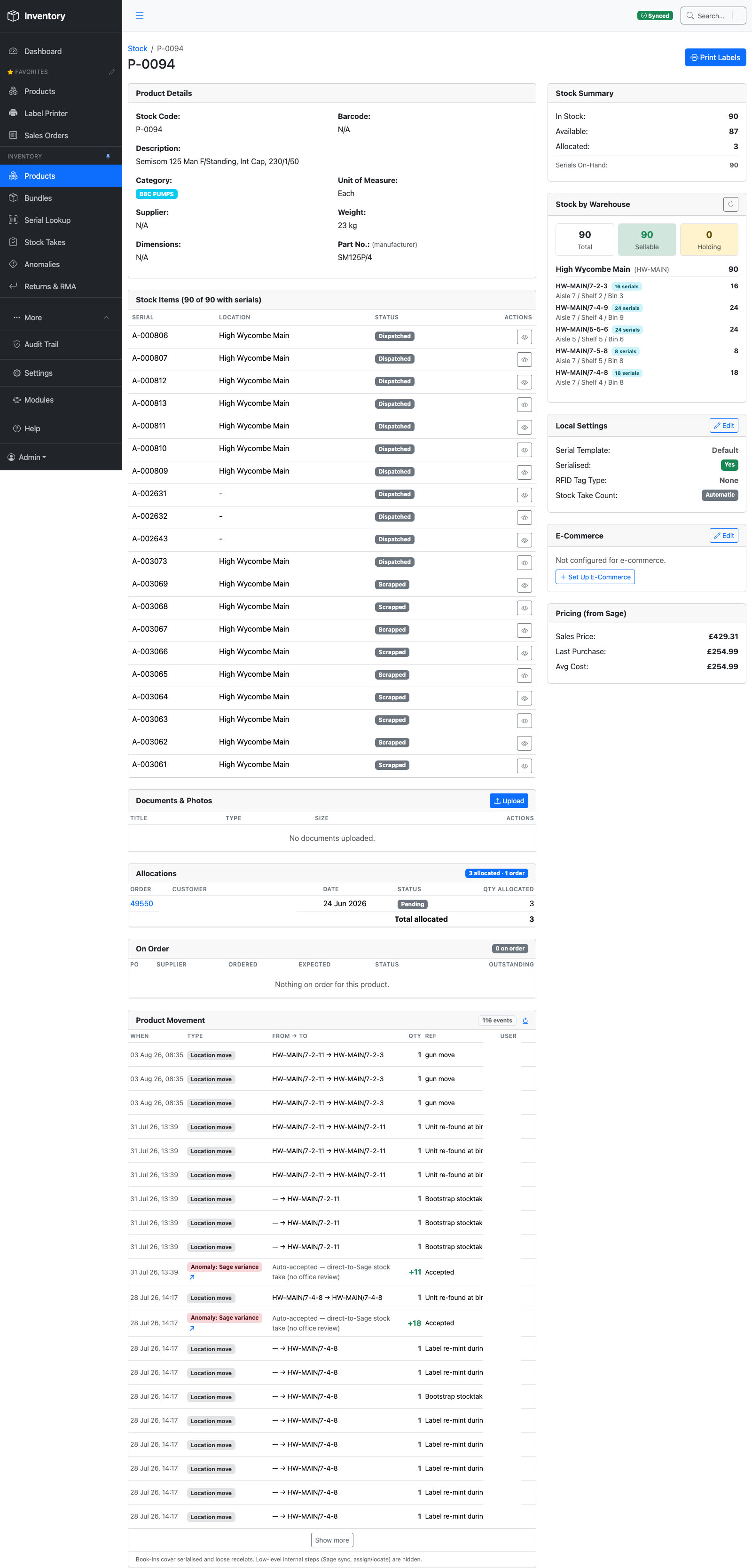
“Where is P-0094, and how did it get there?”
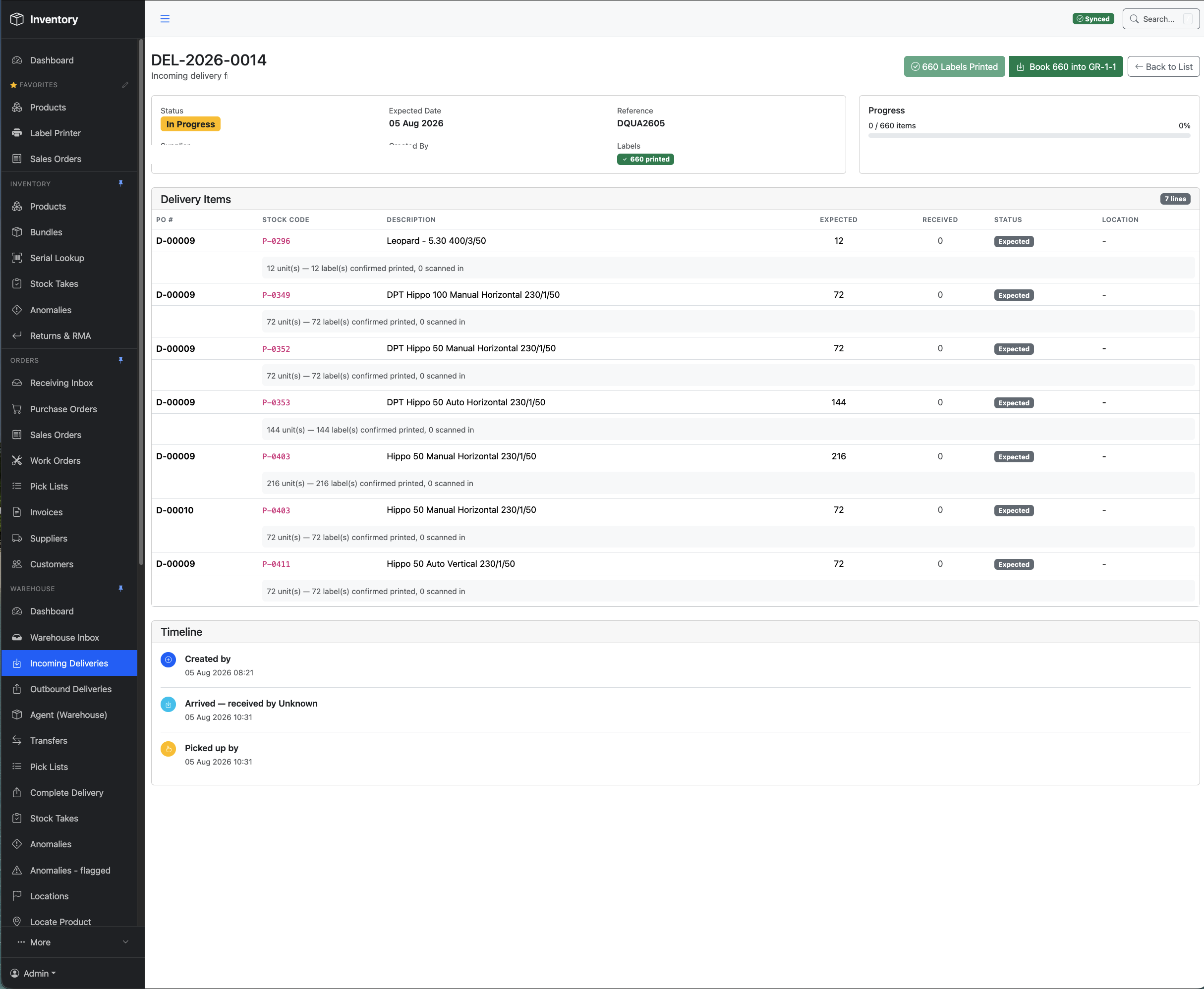
“How do I book in a delivery?”
BESPOKE
A report shaped like your question
It assembles the answer from live data each time, so the reply fits what you actually asked rather than making you pick the nearest canned report and squint at it.
Follow-ups work the way they do in conversation — “and the year before?”, “just the Wycombe site” — without starting again.
VOICE
Both directions
Speak the question and hear the answer read back. Useful when both hands are full and you're halfway up a rack, and just as useful at a desk when you'd rather not type out a sentence.
The voice is configurable, and the whole thing works silently as text if you'd rather it didn't talk in an open office.
IT TRAINS THEM
A conversation instead of a manual
The assistant reads the same 141-article help system your staff do, so “how do I book in a delivery?” returns a walkthrough of this system — the real screen, the real button — rather than something generic.
And it handles the half that matters most: “I've just done that wrong — how do I undo it?”
The manual answers back. Most systems ship documentation nobody opens. Here the documentation is the thing people talk to — from any screen in the web app, in their own words, as many times as they like, without waiting for the one person who knows to come off holiday.
Ask where to print a label and it names the screen and the order to press things in. Ask what happens if you complete a delivery and it tells you what will change in Sage before you do it. It answers for your configuration, because the help describes the system as you actually have it set up — and the help is kept in step with what's shipped, so it can't quietly drift into describing a version nobody is running. Training stops being a day somebody sat through in March and becomes something available at half past three on a Tuesday, at the screen they've never seen before.
It cannot change anything — and that isn't a promise, it's an absence. Every tool the assistant has is a lookup: search products, get an order, read stock levels, search the help. There is no tool in it that writes. It can tell you a figure is wrong and explain exactly how to correct it, and then you go and correct it.
Bring your own key. The AI runs on your Anthropic account, under your key, with your spend and your data boundary — not resold to you per seat with a margin on top. Point it at a Claude subscription instead and it uses no API credits at all. The two run the same set of tools, so the answers don't change with the billing. Every question asked is logged, so you can see what the AI was asked and what it looked at.