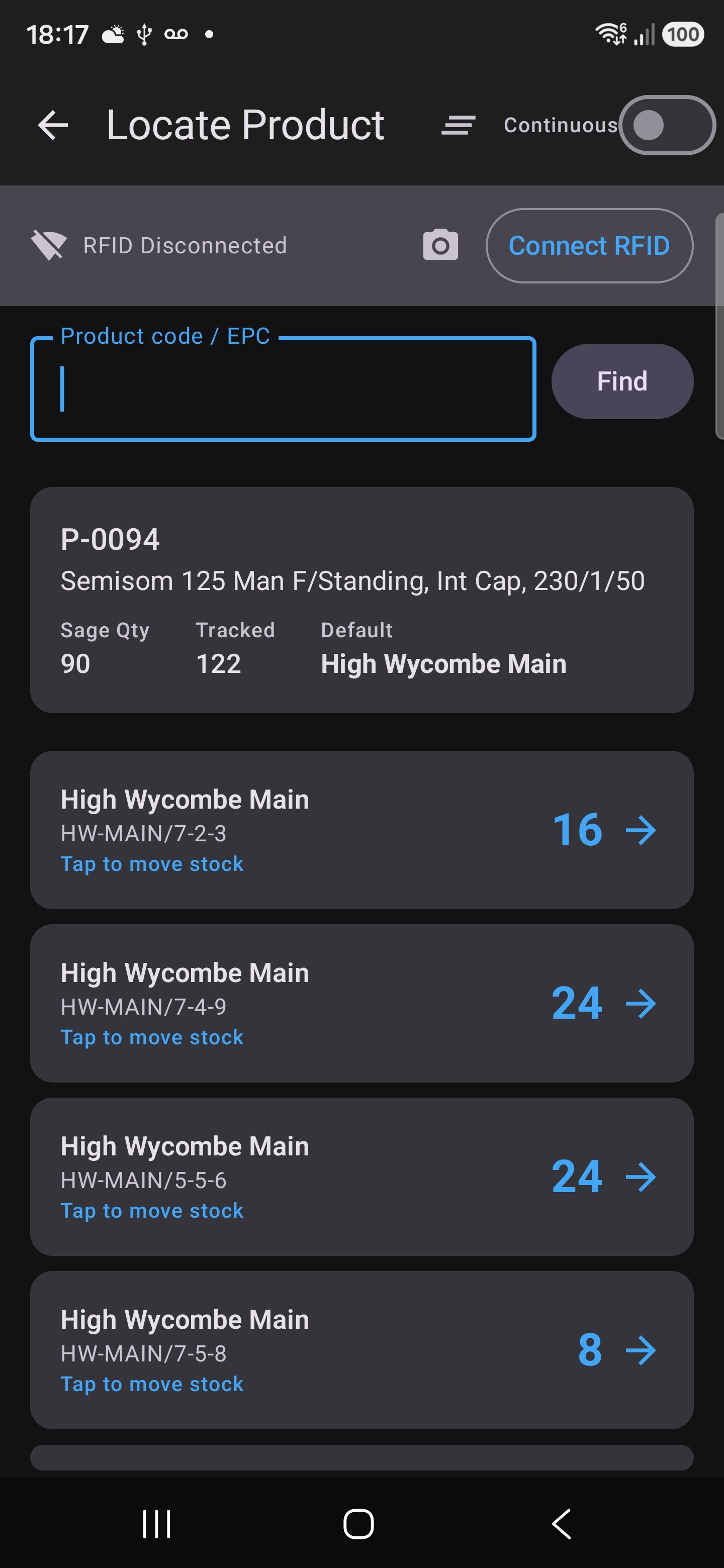
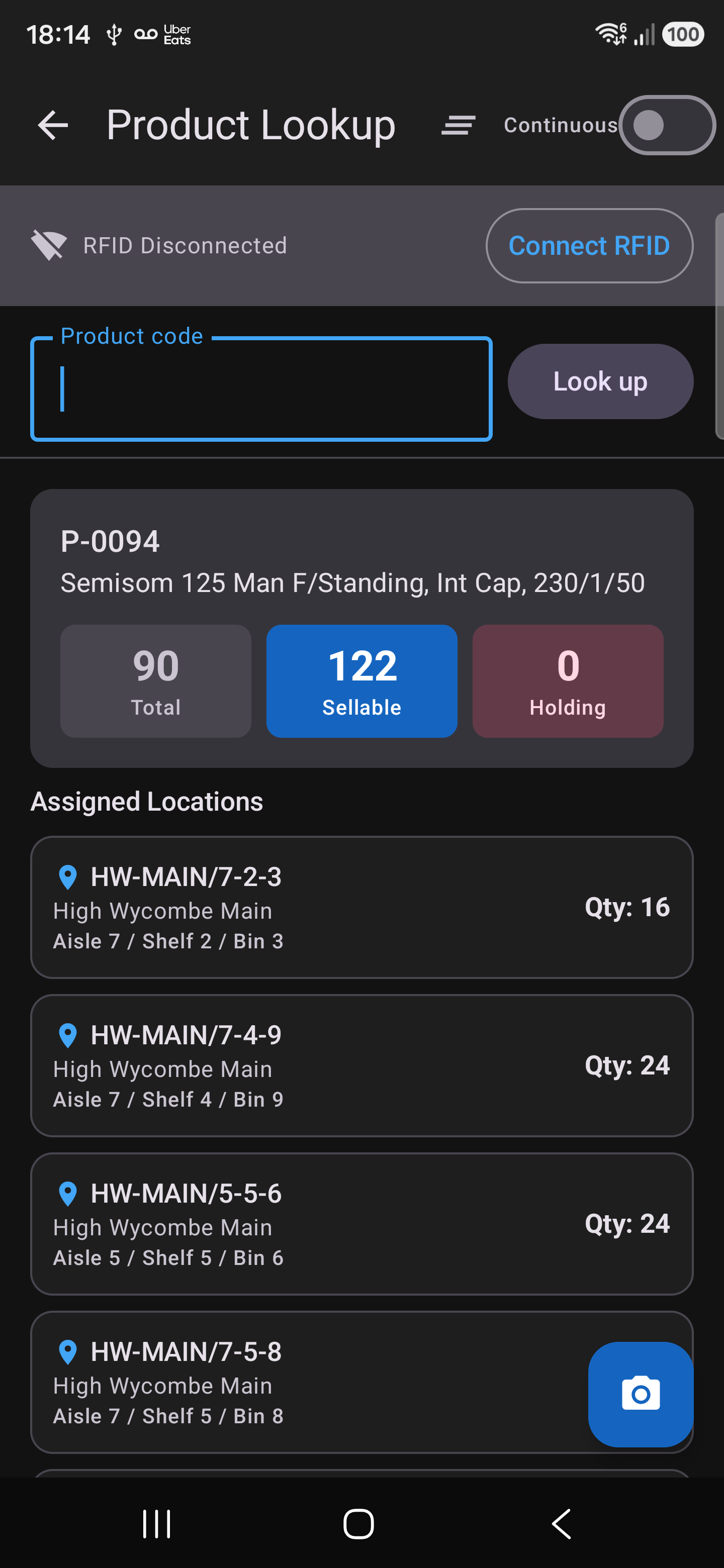
Zebra builds the reader, the printer and the encoder. What it leaves to people like us is the part that knows your warehouse — the app that turns a tag read into “that box is on shelf 7-2-3, it arrived in March, and it's going out on Thursday.”
This is that part. Every label carries a barcode, a QR code and an encoded RFID tag at once, so the same box can be picked up by whichever reader is in someone's hand — a full RFID sled or just a phone camera.
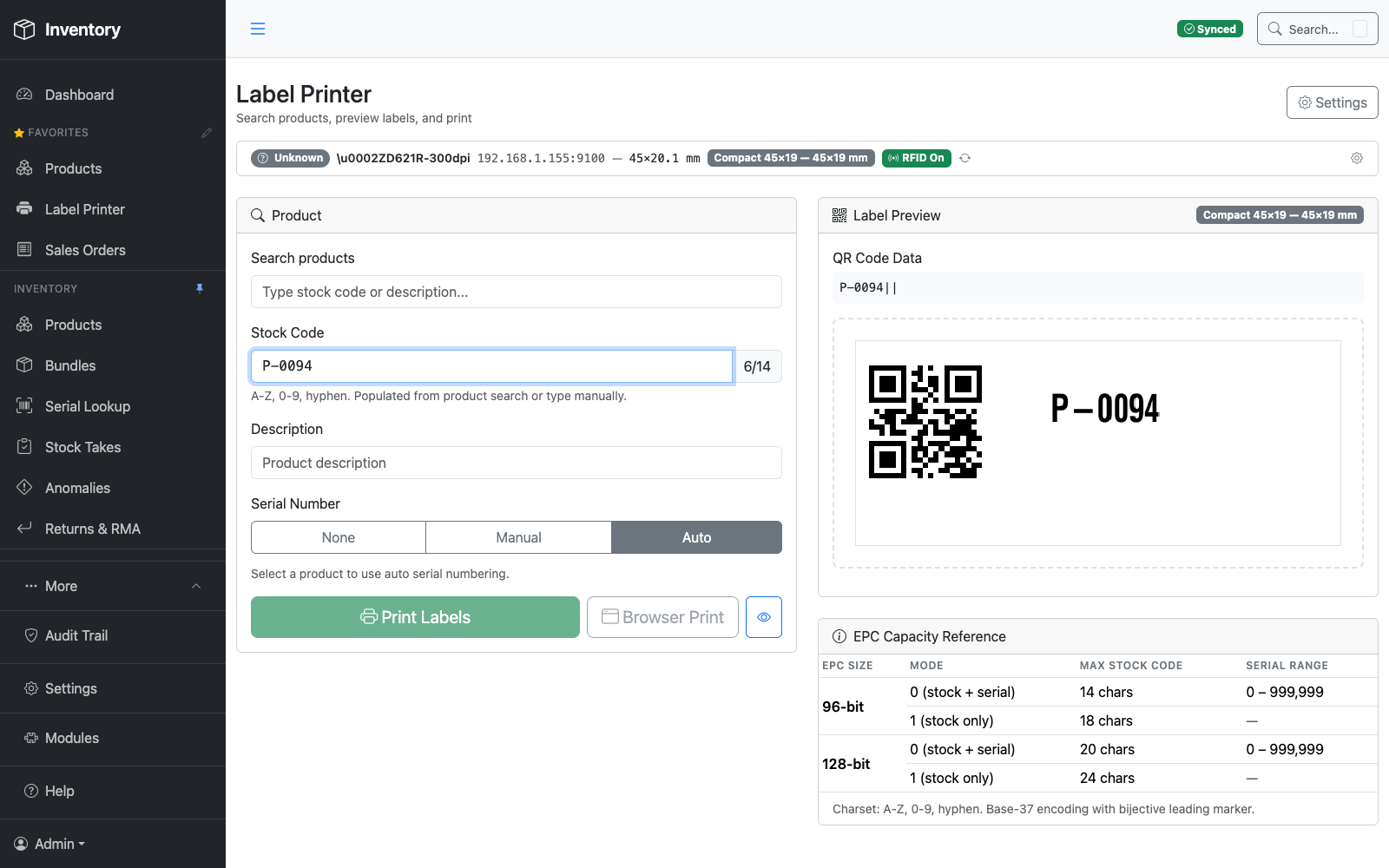
Encodes a unique RFID tag into every label as it prints, alongside a QR code and barcode — one label, three ways to read it.
RFID reader built into the scanner — no separate sled — reads a shelf of tags at a time.
Higher-power reader for longer-range sweeps across a full bay in one pass.
Send a supplier a print file and the stock arrives already labelled and encoded — so it books in on the first scan instead of being labelled by hand on your dock.
Every workflow — locating, moving, picking, counting — runs QR-only from a plain phone camera. Pair a Zebra sled over Bluetooth and that same phone gains full UHF RFID; unpair it and the phone still works. The handheld app is Android only today; there's no iOS build yet.
A UHF reader at full power reads everything — the bay in front of you, the rack behind it, and the trolley going past. That's the problem with RFID, not the feature. So the beam, and what counts as a read, are both under the operator's control.
Transmit power is a slider, from 10.0 up to 30.0 dBm, with Near / Mid / Full presets you can change without stopping the count.
Wind it down and the reader sees one shelf. Wind it up and it takes a whole aisle in a pass. Same gun, same tags — you decide how far the question travels.
Scan the QR of the product you care about and the count arms to it. From then on the reader still hears everything, but only that product is counted.
Tags for anything else in range — the next bay, a pallet passing behind you — are discarded rather than quietly joining the total. Arm several products at once and it counts each one separately.
Reads are ranked by signal strength and badged Strong, Good or Fair, so when you're hunting a single box the top of the list is the one nearest the gun.
Walk toward it and the order re-sorts. It's how you go from "it's somewhere in this aisle" to having it in your hand.
“Could you encode the location into the tag?” On a large enough inlay, yes — and our encoder already writes the bigger 128-bit format when a tag offers it. But it's the wrong place to keep it, and on the labels running through the printer today there is nowhere to put it at all: a UCODE 9 carries a 96-bit EPC and no user memory whatsoever. Room for identity, and nothing else.
The deeper reason is that a tag storing its own location is right only until somebody moves the box by hand — after which it states the wrong shelf with complete confidence, and nothing on it admits that it's stale. Aerospace proved this on tags a thousand times larger: the data went half-right, half-wrong, with no way to tell which. So the tag carries identity, permanently, and the system carries location. Scan the serial and it tells you which bin it went into, when, and who put it there — and everywhere it has been since. Nothing to re-encode, and nothing to go quietly out of date.
The UCODE 9 labels coming out of the ZD621R: a stock code and a serial, or a stock code of up to 18 characters on its own.
The encoder writes the bigger format too — a 20-character stock code alongside a serial, or 24 on its own. Change the label and the software already knows what to do with it.
Every tag ships with a factory-unique ID that can't be rewritten. Where inlays carry one, we count on that instead — so two boxes can never be mistaken for each other, whatever is written in the EPC.
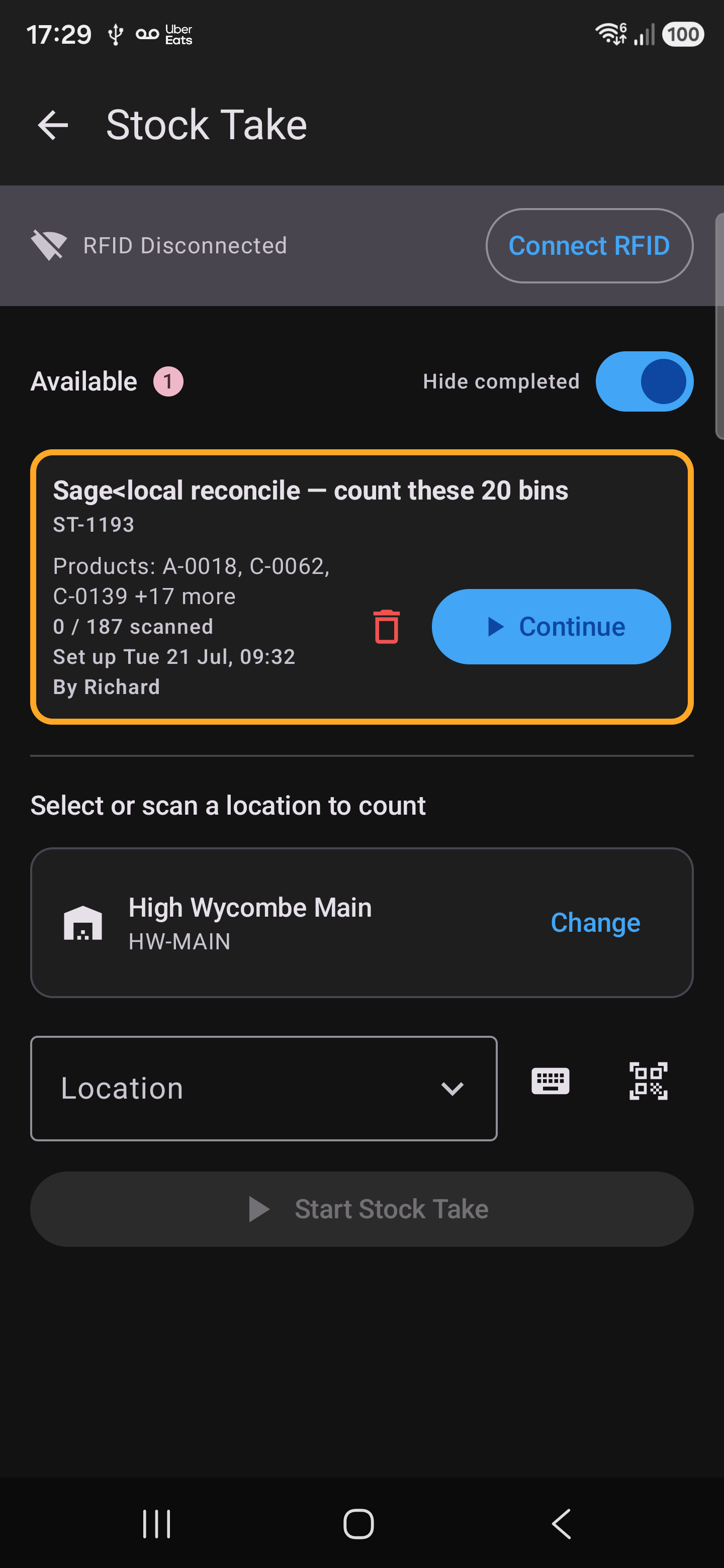
Every screenshot on this page comes from the same live system a real pump distributor runs their warehouse on today — not mockups, not a sandbox seeded for a sales call.
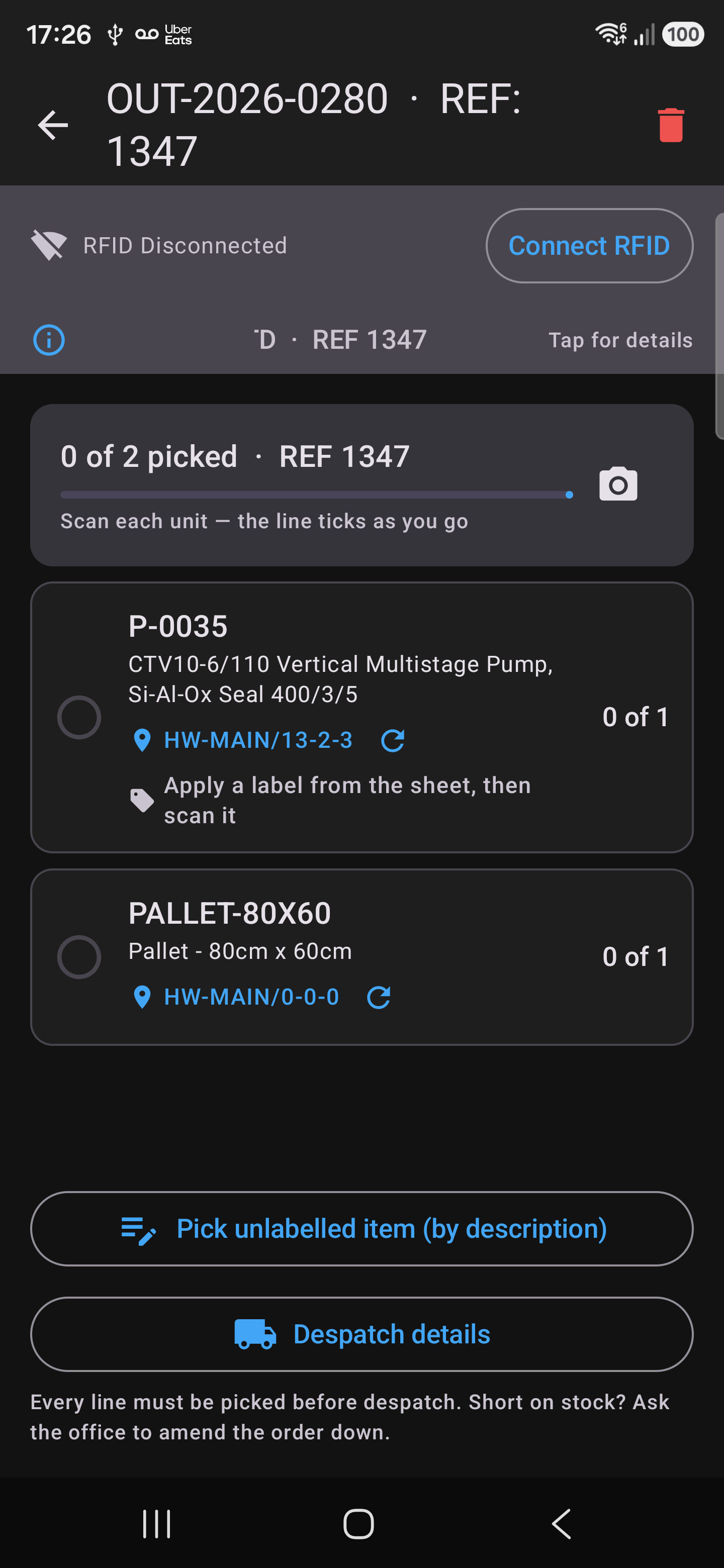
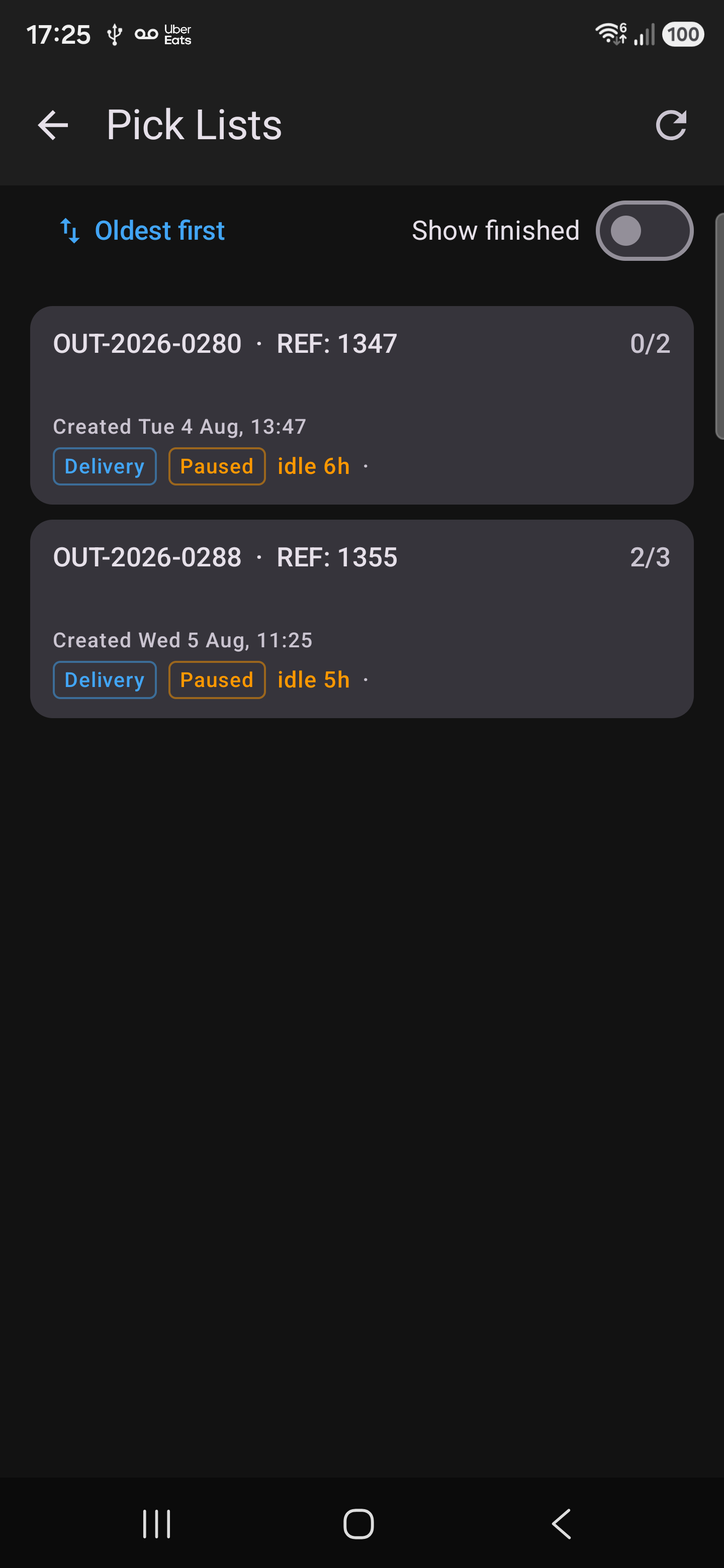
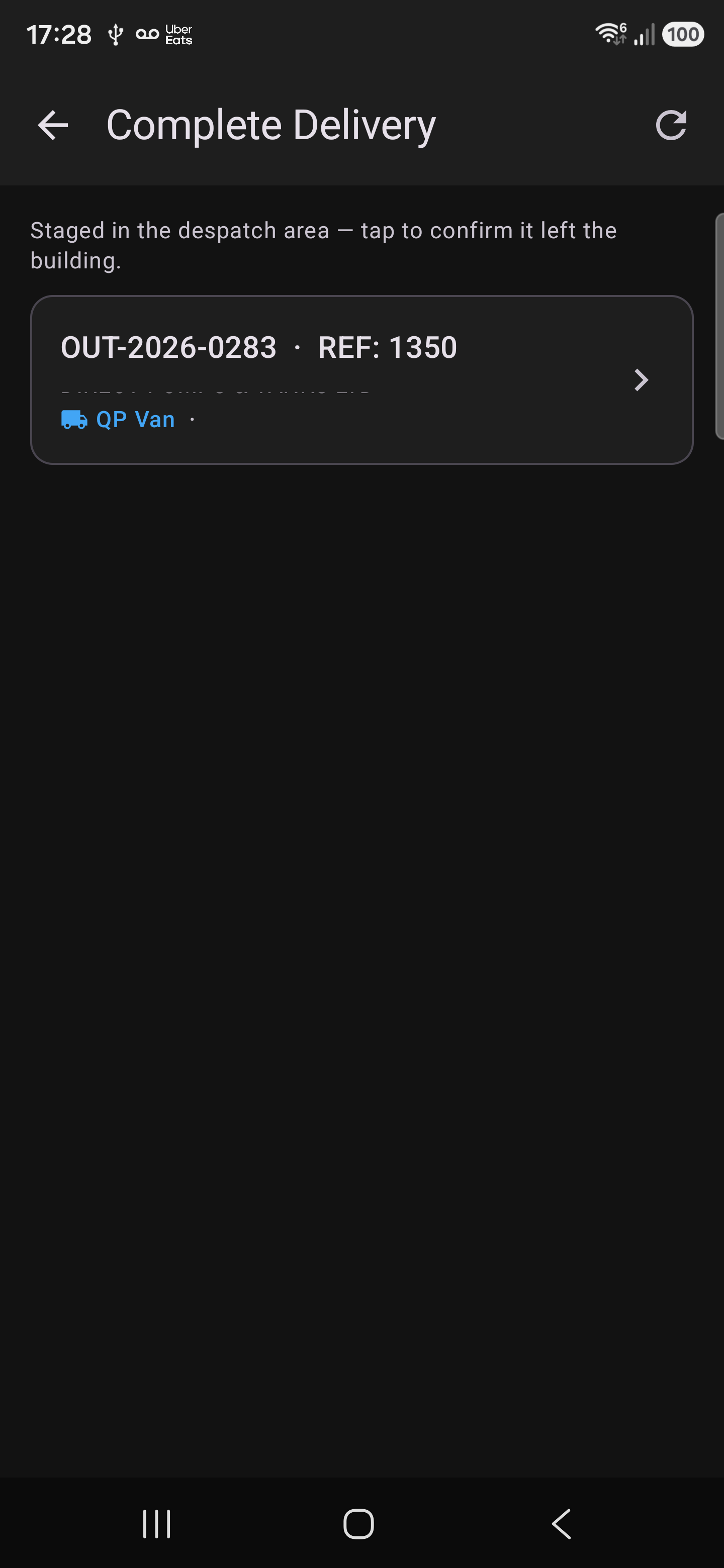
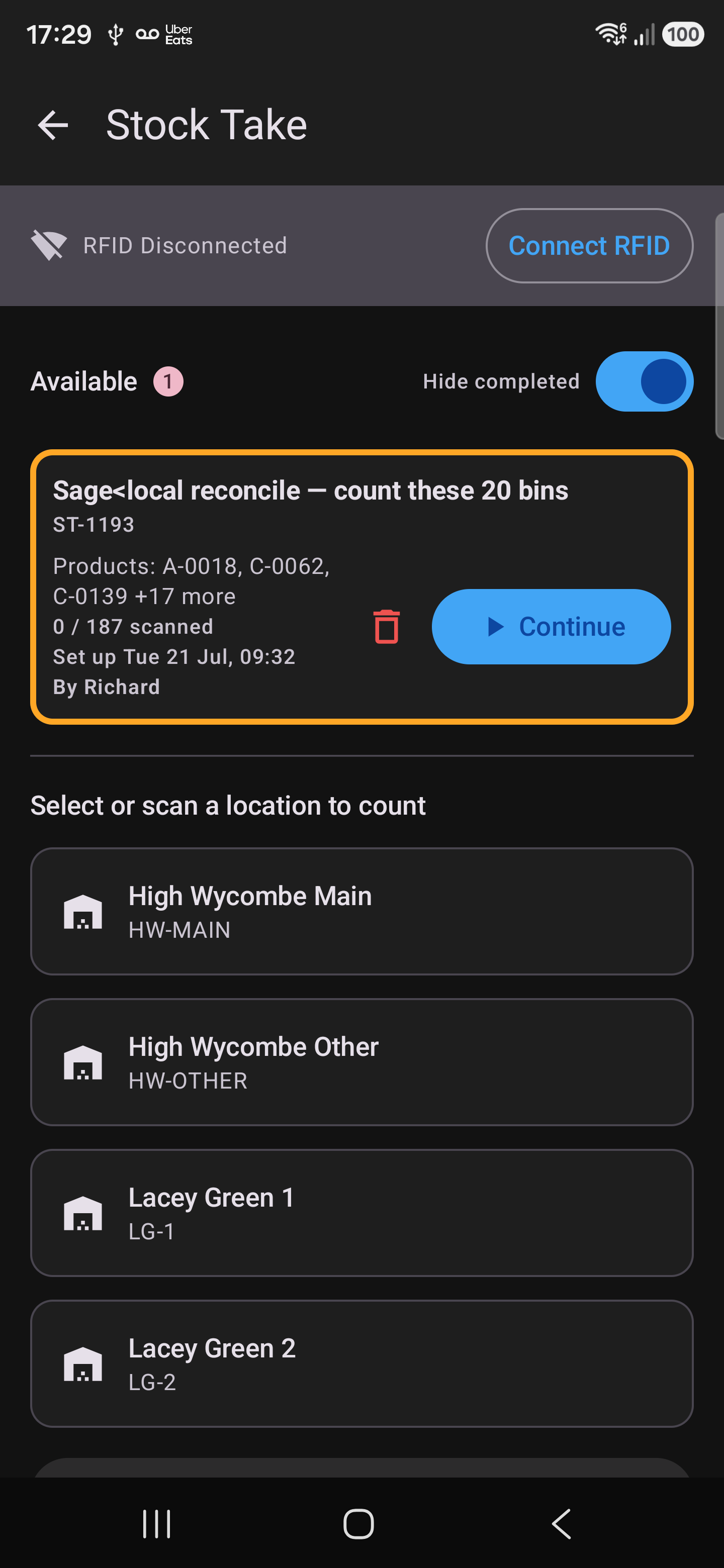
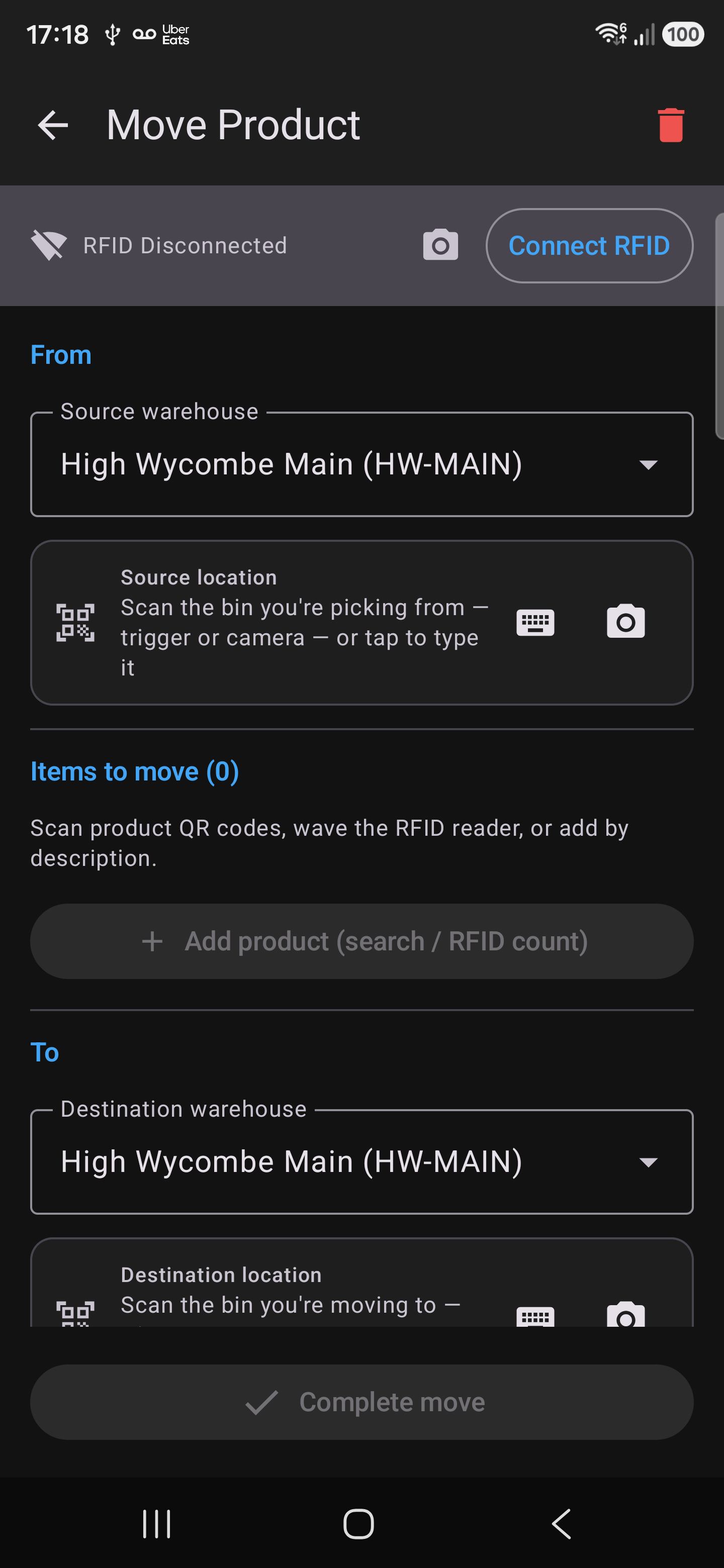
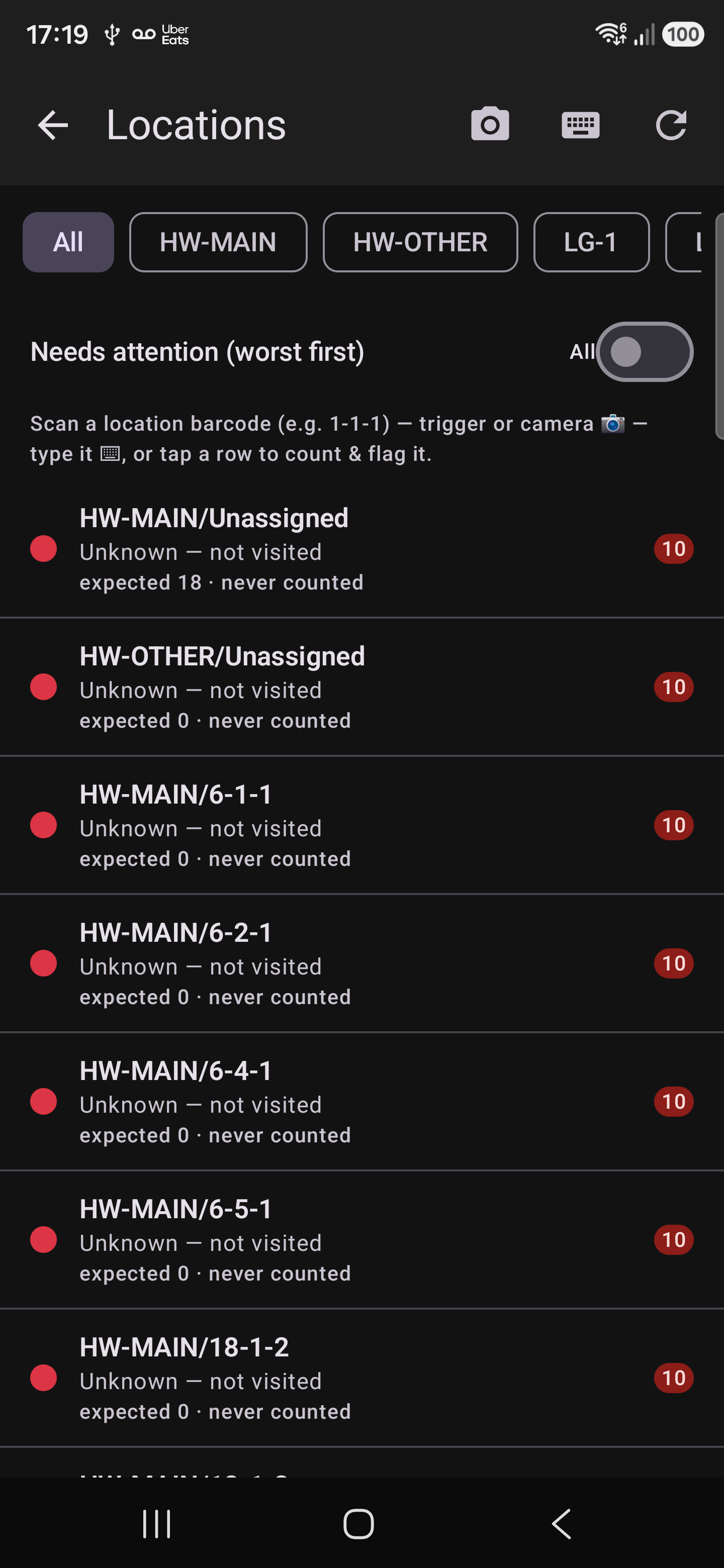
Every warehouse workflow runs natively on the handheld — nothing is a cut-down version of the web app. This is the screen a picker, a receiver or a counter actually has in their hand.


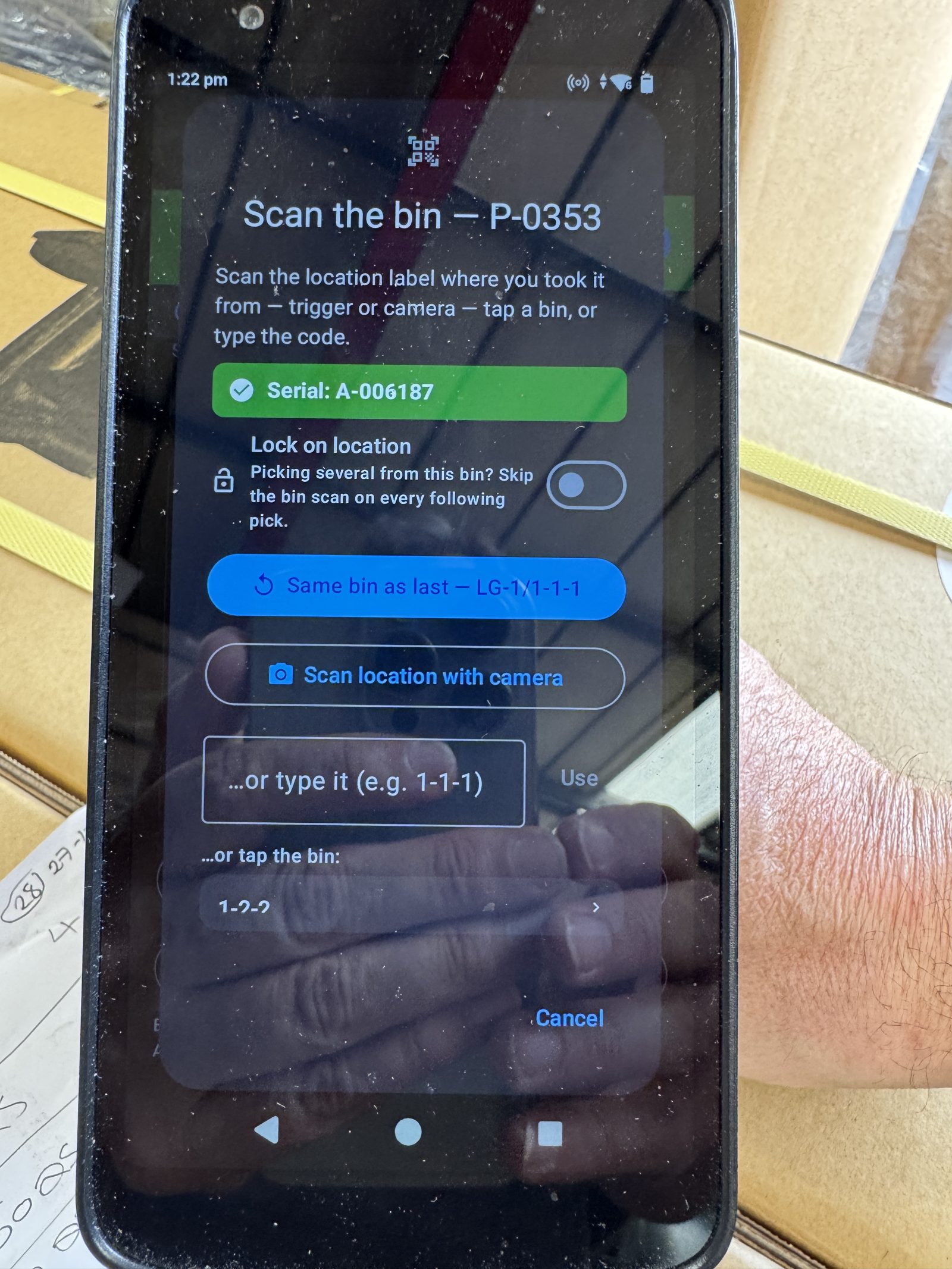
Two of the slowest, most error-prone moments in a warehouse are somebody copying a twelve-character serial off a carton by hand, and somebody trying to remember what an order looked like when it left. The camera on the gun does both jobs instead.
Hold the camera to the manufacturer's own label and it reads the serial — then confirms the same value across three consecutive frames before saving it. There's no button to press and no keyboard to get wrong.
If the label isn't one it knows, the screen dims and a guide box appears: line the serial up inside it and only what's inside is read, so the phone number and the field labels printed alongside can't creep in. Or tap any block of text on screen to take it as it stands. Or type it — the keyboard never goes away.
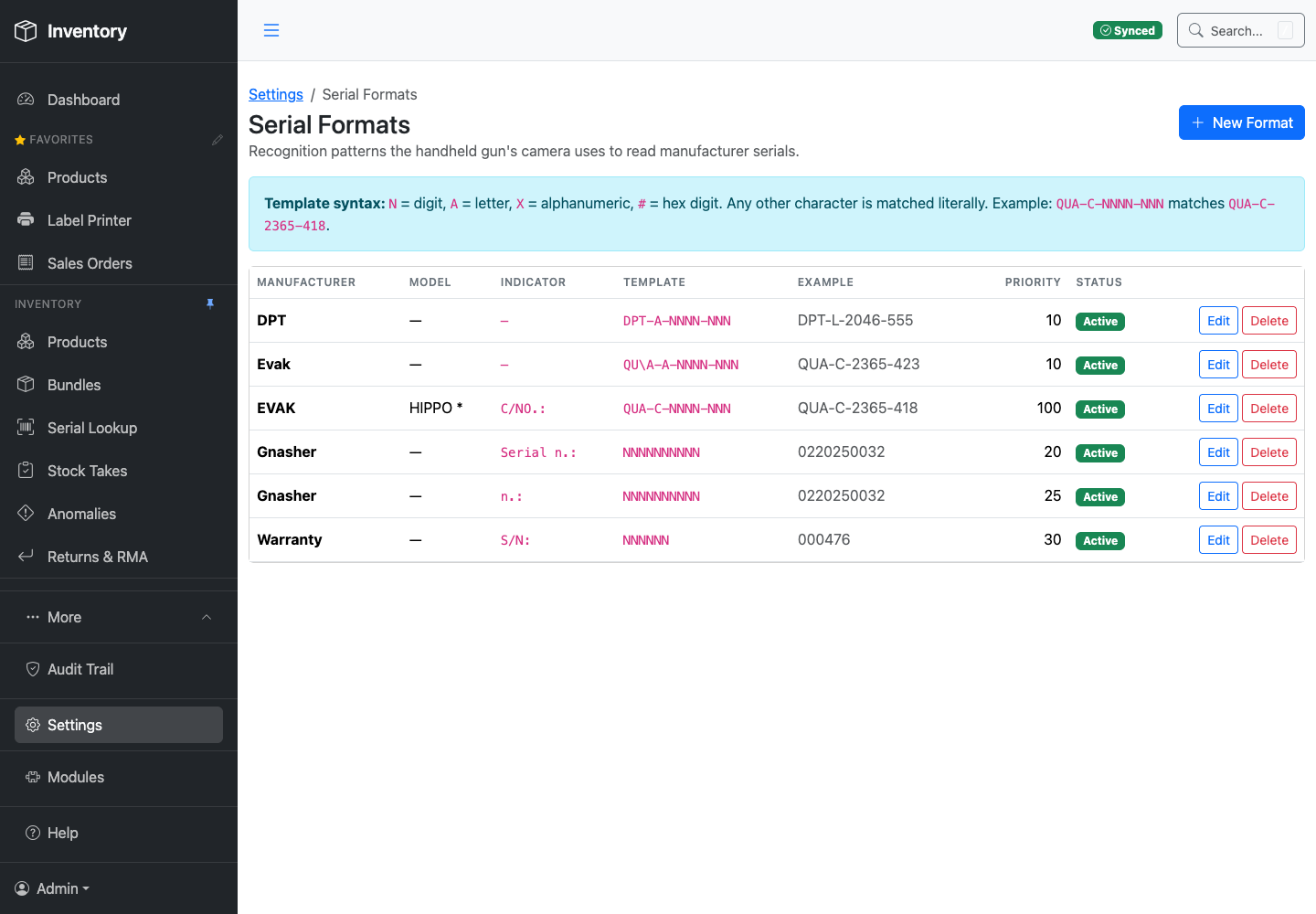
A new supplier's label is a row in a library, not a code change. Describe the label once — the text printed immediately before the serial, and the shape of the serial itself — and every gun picks it up on its next sync.
Whichever brand name the camera can see is tried first, then the rest in priority order, and the first fit wins. A strict pattern can sit in front of a looser fallback, so a supplier whose label prints badly still gets read.
At despatch the picker can attach photos of the packed order before it goes. They land in the office's gallery against that sales order — what was in the box, and what condition it was in, at the moment it left the building.
When a customer rings three weeks later to say something arrived damaged or short, that is the difference between a discussion and an argument.
Nothing serialised leaves unrecorded. A serialised unit can't be despatched until its manufacturer serial has actually been captured — the line sits amber until it is. The control isn't a policy somebody has to remember; it's the button staying shut.

Happy to walk through a live warehouse, or run a screen-share against your own product data.